Language Switching
Storefront Switching
In the top navigation bar of the page, find the language switch button (EN / 中文) and click to switch.
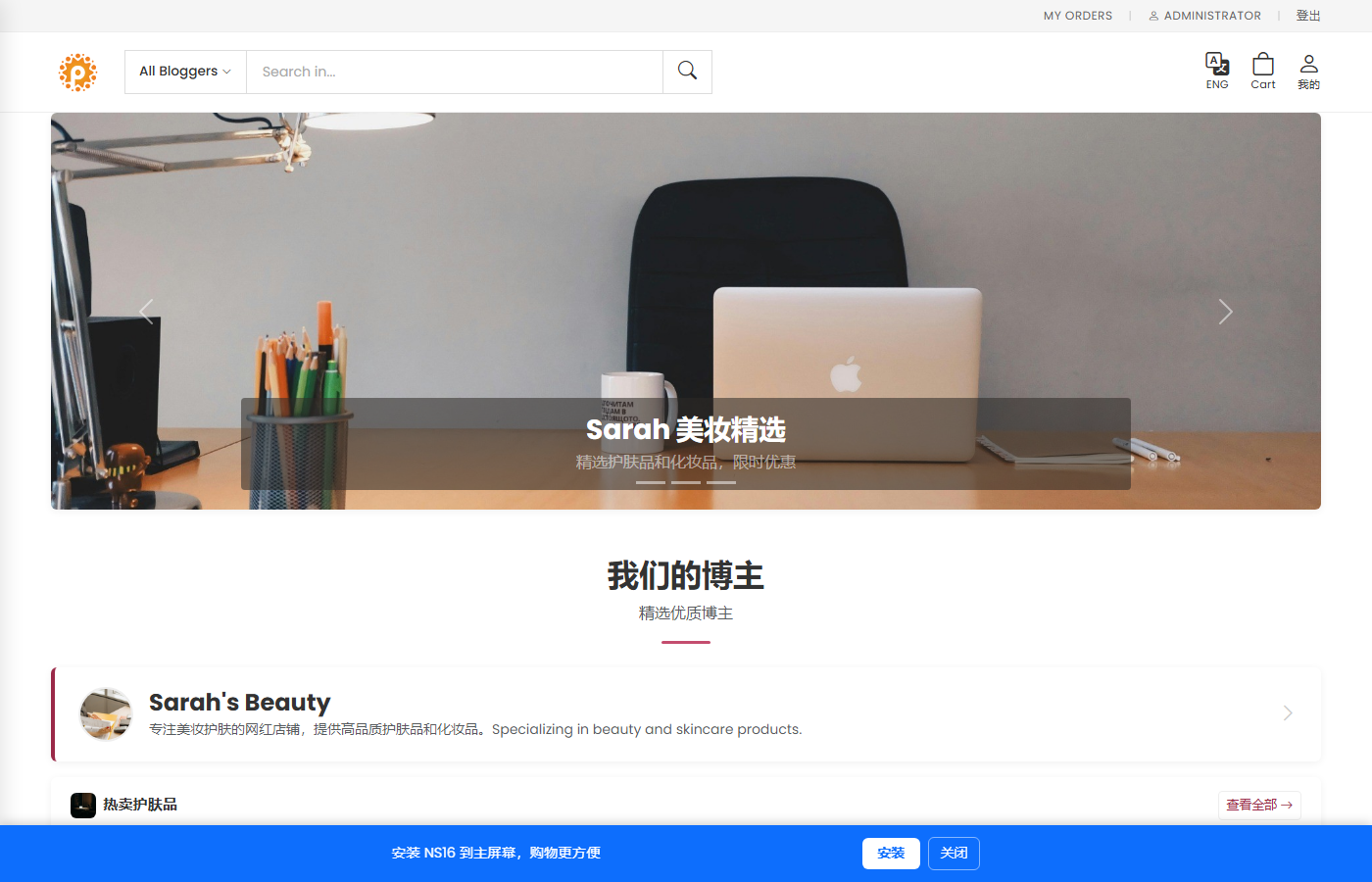
The language switch button (EN / 中文) is in the top right of the navbar
Supported Languages
- Chinese — Default language
- English — English
Admin Language
The admin panel follows the browser language preference or the URL parameter ?lang=en / ?lang=zh。