Stock Management
View Stock
Click "Content Management" → "Stock" in the left menu to see the stock status of all products.
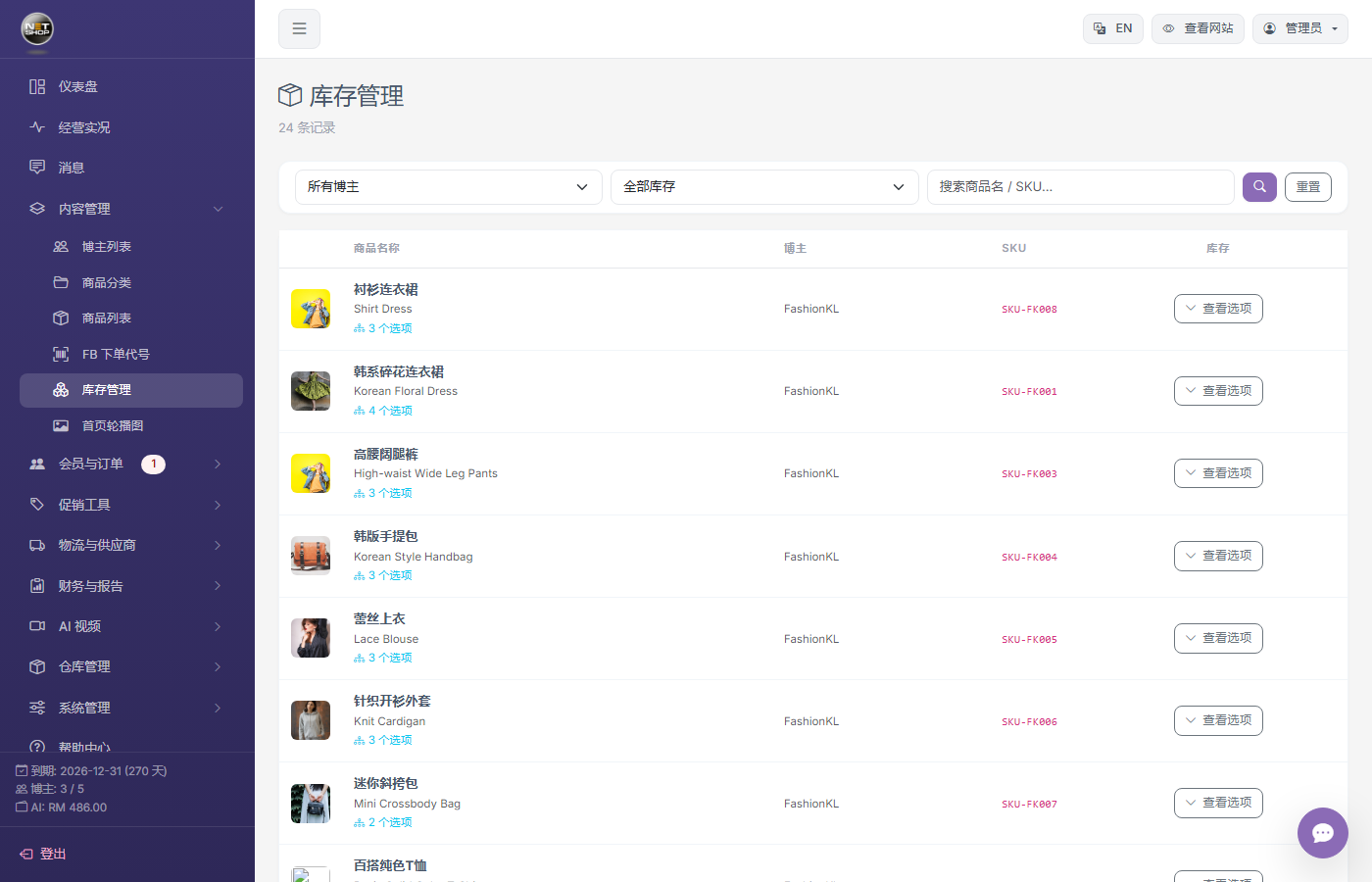
Stock management page
Stock Rules
- Products without options — Edit stock directly on the product edit page
- Products with options — Set stock per variant; product-level stock becomes inactive
- Stock Deduction — Stock is deducted automatically when customers place orders
- Stock Release — Stock is released automatically when an order is cancelled or a member is deactivated
Low Stock Alert
Products with 0 stock are highlighted in red in the list, making it easy to restock in time.
Note:When a member adds an item to the cart, stock is reserved. If the member doesn't check out for a long time, the admin can clear that member's cart in Cart Management to release the stock.