Cart Management
Admins can manage carts on behalf of customers — useful for live stream ordering, WhatsApp ordering, and similar scenarios.
Open Cart Management
Click "Members & Orders" → "Carts" in the left menu.
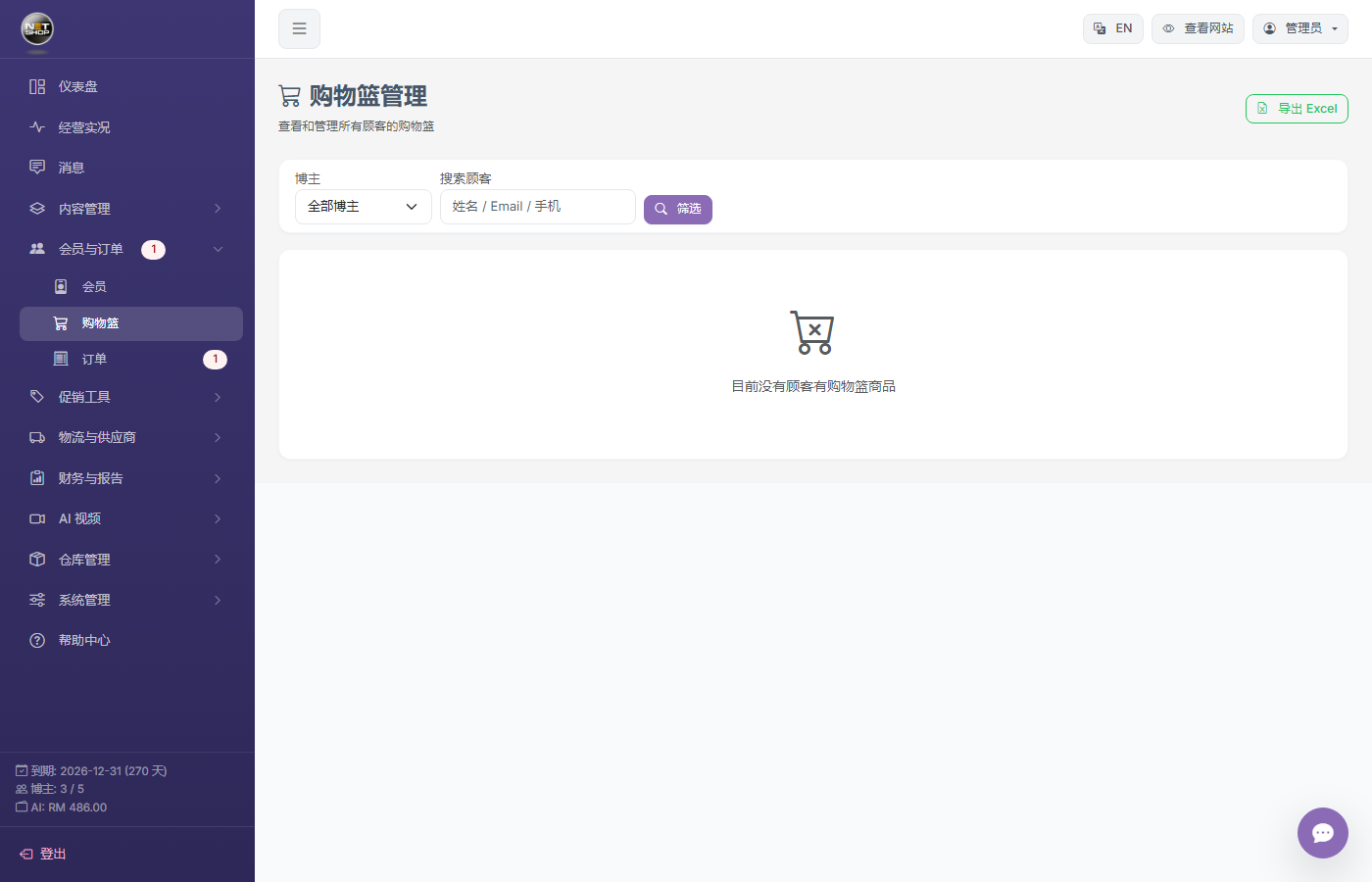
Cart management page
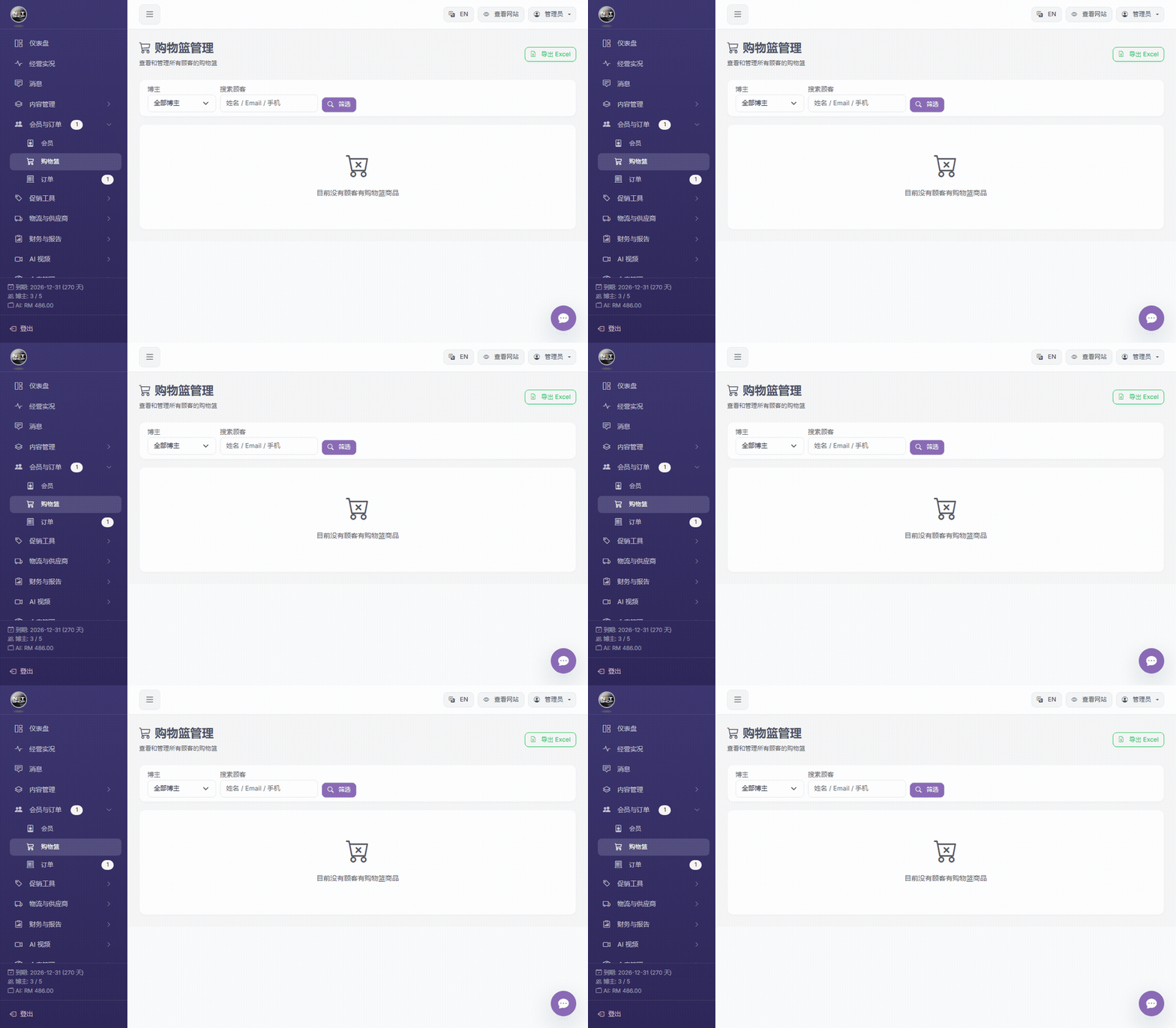
▶ Animation: View cart list and select a customer
View Customer Carts
The list shows all customers who have a cart, including:
- Item count, total quantity, total amount
- Last updated time
Add Items for Customers
- Click a customer row to enter the detail view
- In the "Add Item" area, enterLive Quick Code + Quantity, e.g.,
sb001+2 - The system finds the product automatically and adds it to the cart
- If the product has a PWP gift, the system adds it automatically
💡 Tip:In the add-item input box, type
sb001+2 (quick code + quantity) and press Enter to add. The system finds the product and adds it to that member's cart.Clear Cart
Click the "Clear" button to empty the customer's entire cart, which alsoreleases all reserved stock。
Copy Checkout Link
Once the cart is ready, click "Copy Checkout Link" to generate a one-click checkout URL and send it to the customer to place the order.