Video Display Management
Open Video Display
Click "AI Video" → "Video Display" in the left menu.
Homepage Display
You can choose generated videos to display on the store homepage as horizontally scrolling cards.
- On the video display page, click "Add to Display"
- Pick the videos to display
- Set the sort order
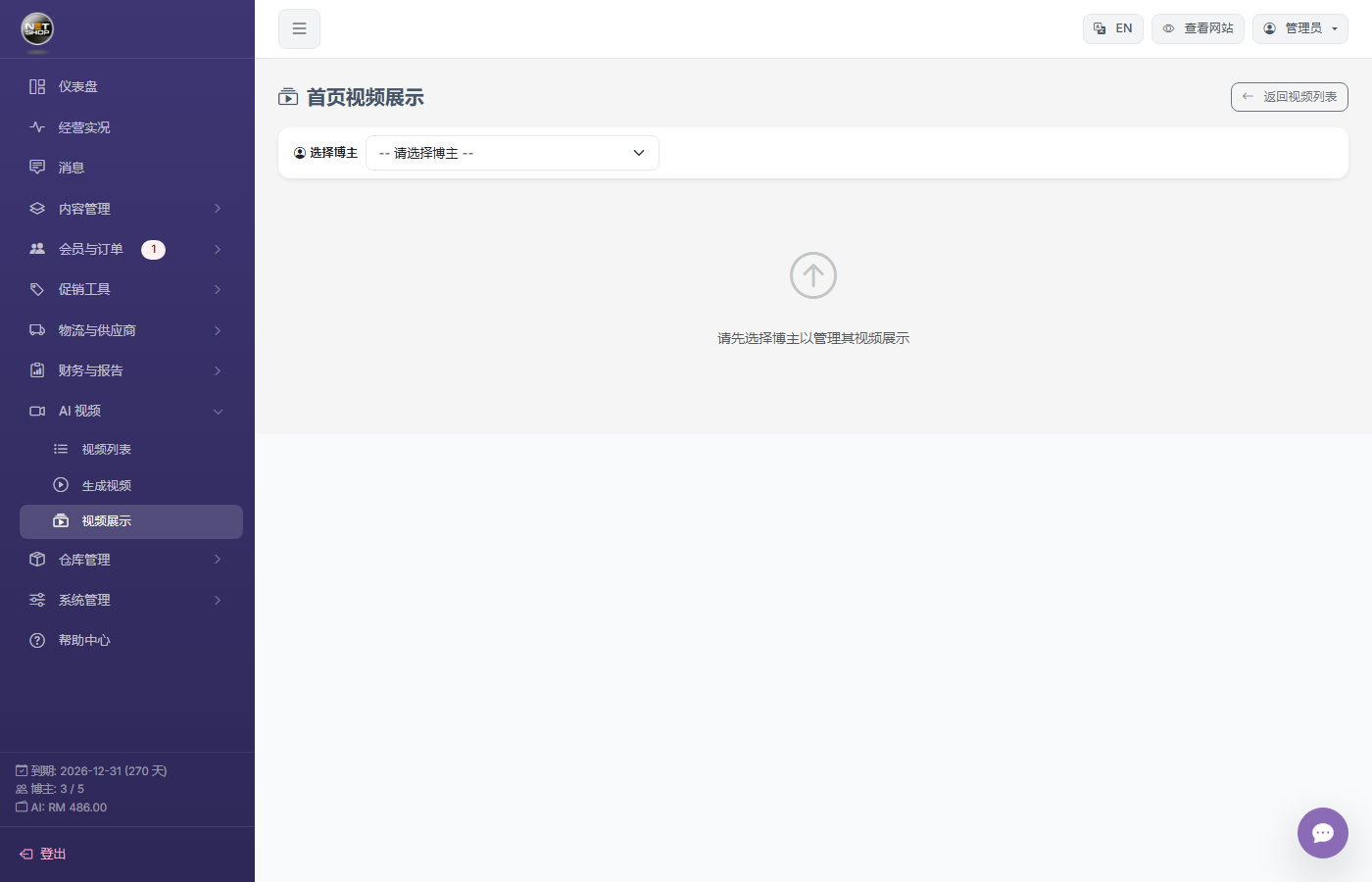
Video display management page
Product Page Embed
On the product edit page, select a generated video in the video field. After saving, the video appears in the image gallery on the product detail page.