Settlement Process
Overview
Settlement is the process of paying out a blogger's sales revenue. The flow is:
- Import PaySeller payment records
- Generate the settlement
- Review and mark as paid
Step 1: Import PaySeller Records
- Download the transaction Excel file from the PaySeller portal
- Click "Settlement" → "Import PaySeller"
- Upload the Excel file
- The system automatically matches orders with payment records
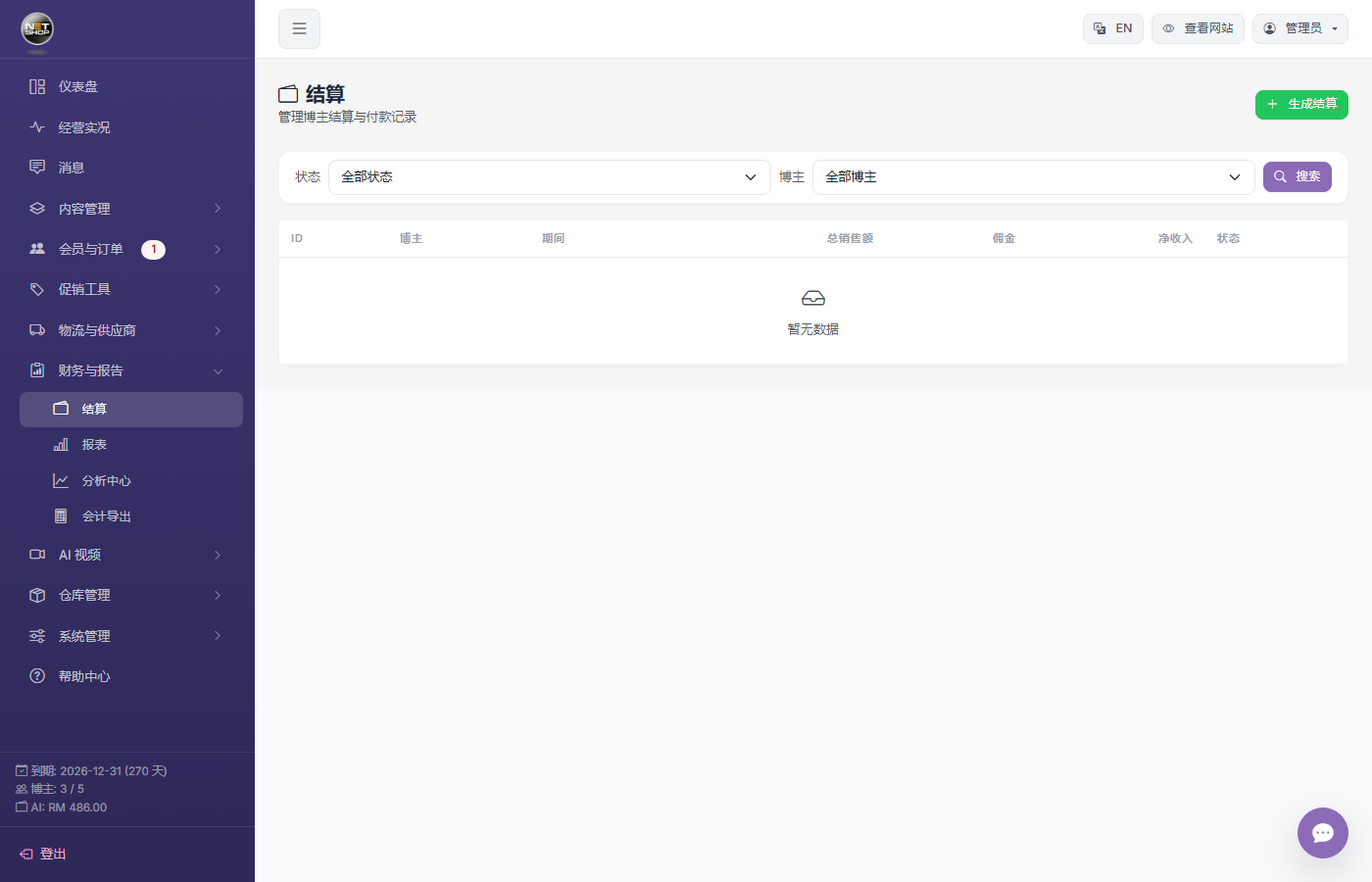
Settlement management page
Step 2: Generate Settlement
- Click "Generate Settlement"
- Choose the blogger and date range
- The system summarizes paid but unsettled orders
- Calculates commission and the final payable amount
Step 3: View Settlement Details
Click a settlement to view item details, including each order's amount and commission calculation.
Step 4: Mark as Paid
After confirming the bank transfer is complete, click "Mark as Paid" to finish the settlement.
Export PDF
Each settlement can be exported as a PDF file for archiving and sending to the blogger.