Homepage Settings
Homepage Category Display
In Category Management, each category has a "Homepage Display Count":
- Set to 0 — not displayed on the homepage
- Set to N — display the first N products of this category on the homepage
Homepage Promotion Popup
Configure the popup in "System Settings" → "Homepage Promotion Notice":
- Upload the popup image
- Each visitor sees the popup at most once per day
- Can be enabled/disabled at any time
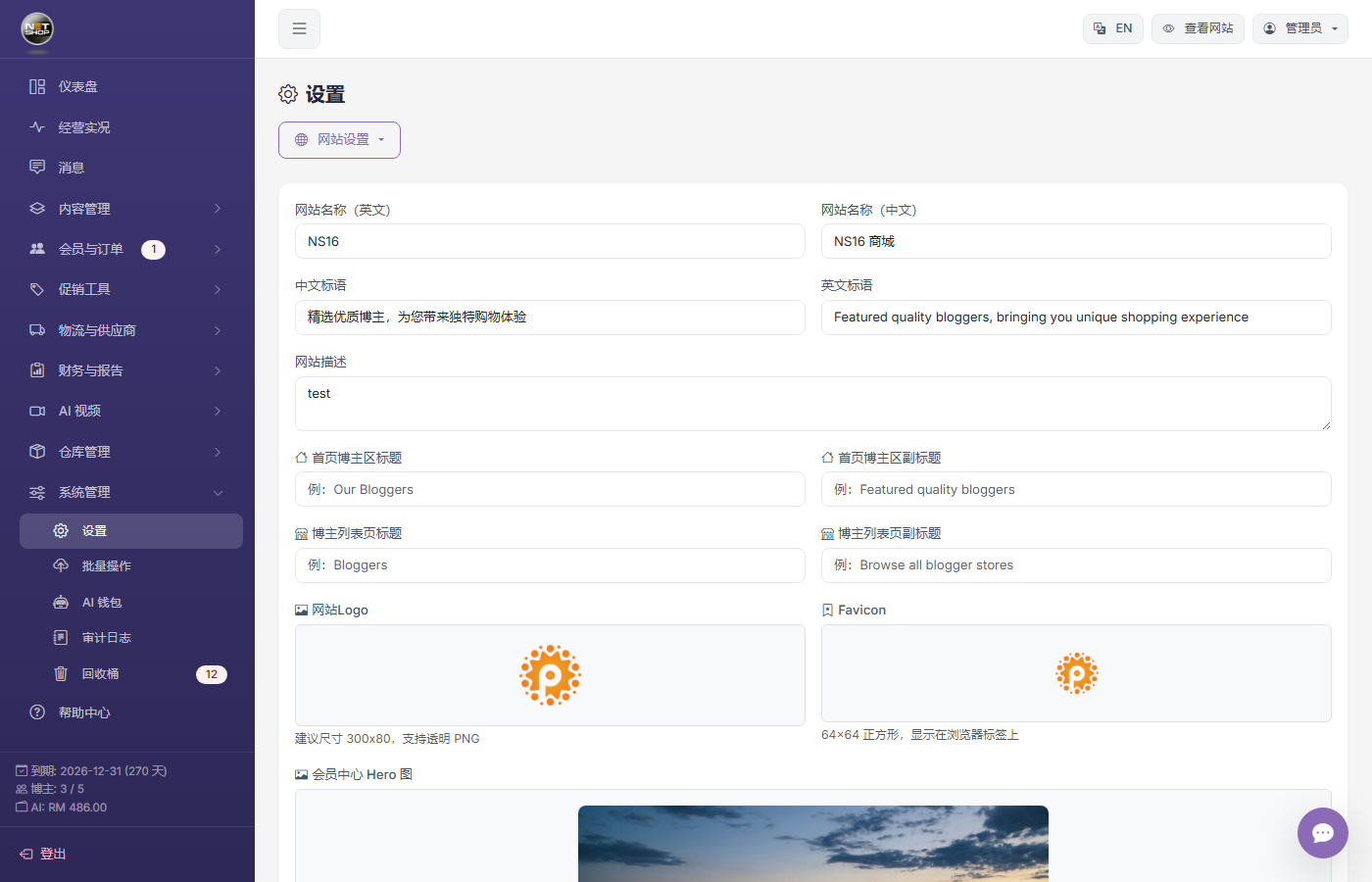
System settings page — Configure the popup in the "Homepage Promotion Notice" section