Coupon Management
Create a Coupon
Click "Promotion Tools" → "Coupons" → "Add Coupon" in the left menu.
Coupon Fields
| Field | Description |
|---|---|
| Coupon Code | The code customers enter (auto-converted to uppercase, e.g., SAVE10) |
| Discount Type | Fixed amount or Percentage |
| Discount Value | Discount amount (e.g., 10) or percentage (e.g., 15) |
| Max Discount | Maximum discount cap for percentage type |
| Minimum Spend | Minimum order amount required to use the coupon |
| Minimum Quantity | Minimum item count required to use the coupon |
| Free Shipping | Whether to also offer free shipping |
| Global Usage Limit | Total times the coupon can be used |
| Per-User Limit | Times each member can use it |
| Expiry Date | Coupon expiration date (leave blank for no expiry) |
| Owning Blogger | Specific blogger this coupon belongs to (leave blank for platform-wide) |
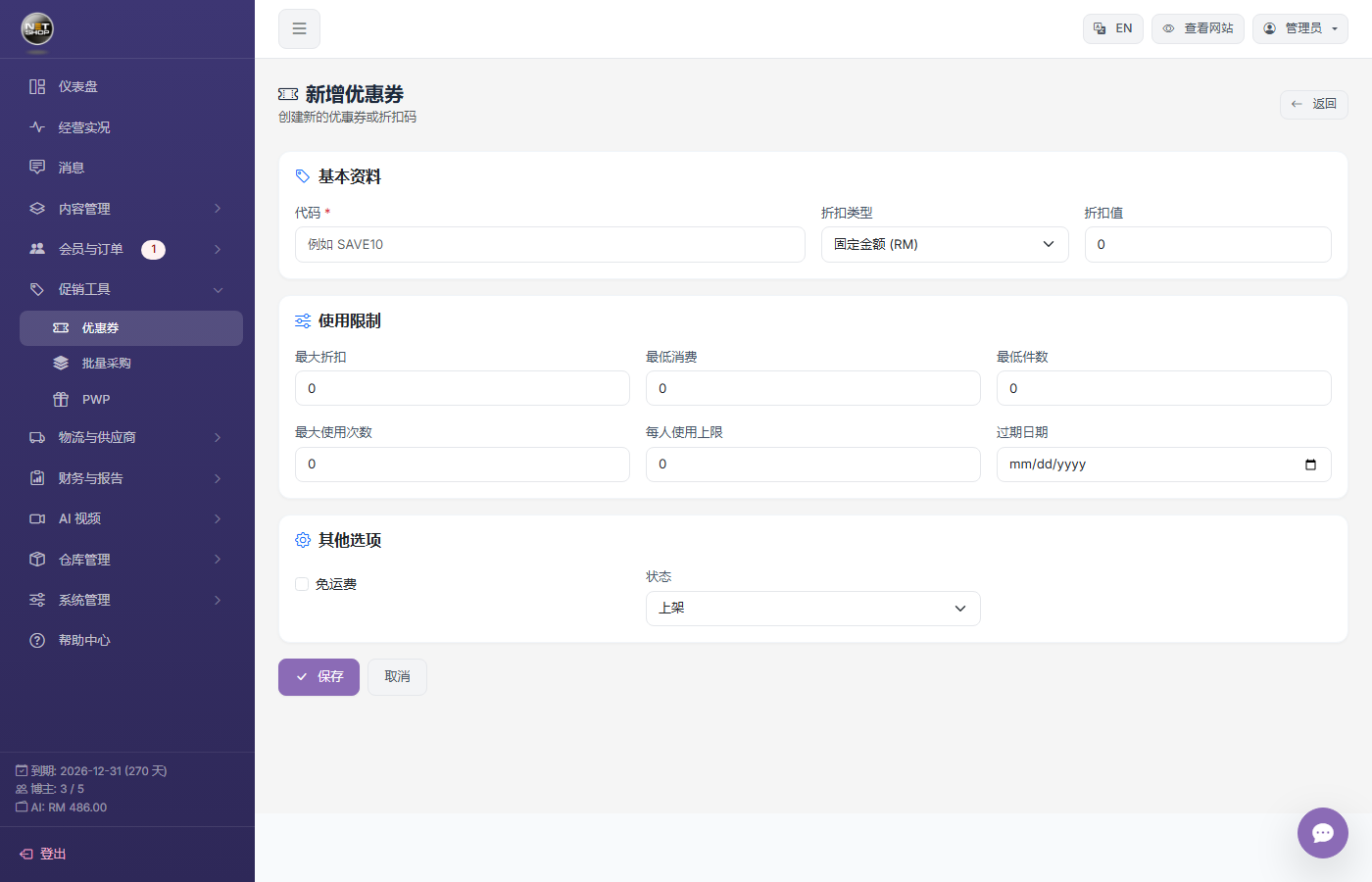
New coupon form
Coupon Status
- Active — Customers can use it
- Inactive — Temporarily unavailable
Use the toggle on the list page to switch status directly.
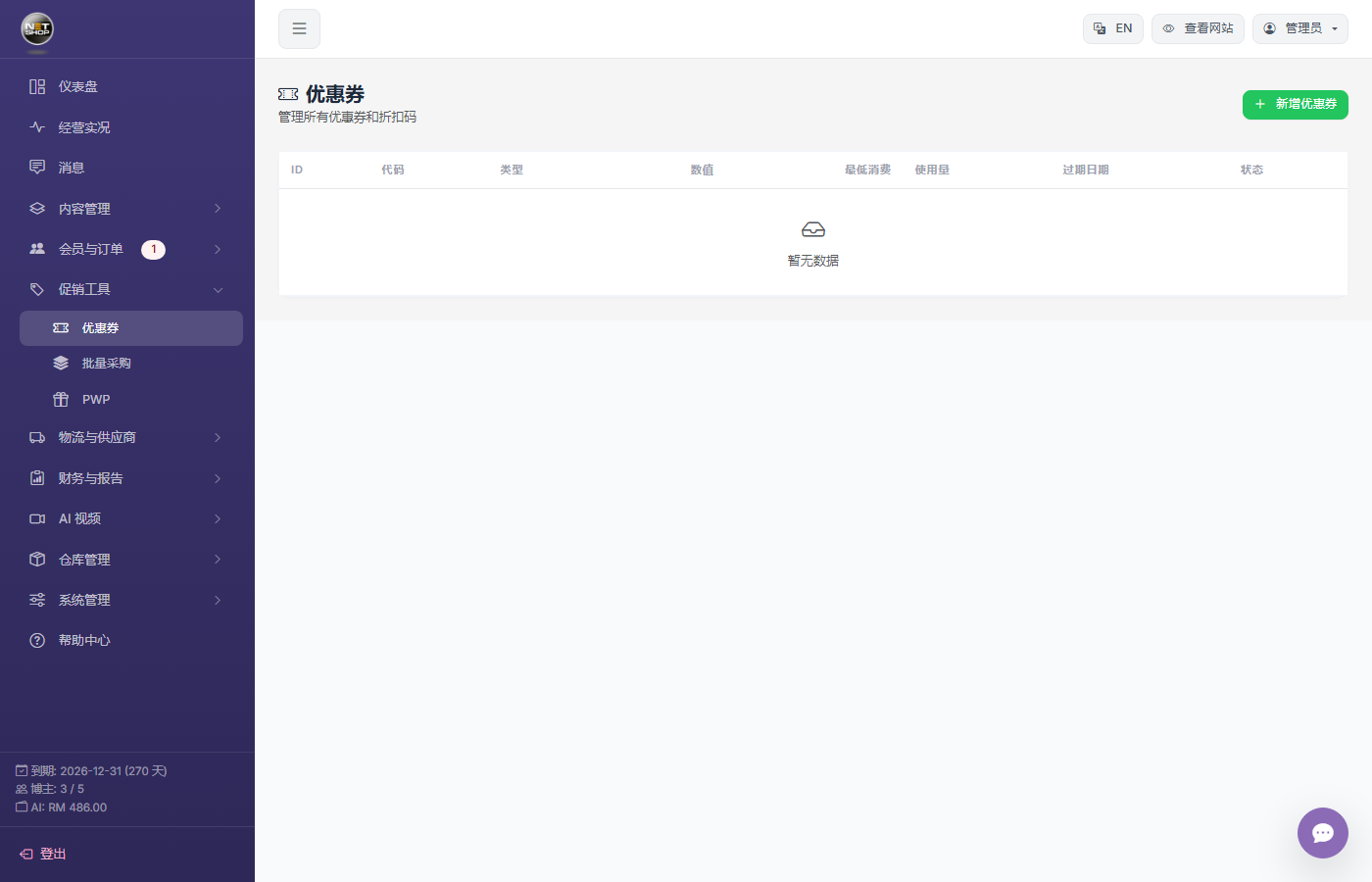
Coupon list — Toggle on the right switches active/inactive
▶ Animation: Toggle coupon active/inactive status with the switch