Bulk Pricing
Bulk pricing lets you set "buy more, save more" discounts for a category.
Create a Rule
Click "Promotion Tools" → "Bulk Pricing" → "Add Rule" in the left menu.
Rule Fields
| Field | Description |
|---|---|
| Rule Name | Easy-to-recognize name (e.g., "T-Shirt Buy 3 Get 15% Off") |
| Blogger | Blogger this rule applies to |
| Category | Category this rule applies to |
| Min Quantity | How many items trigger the discount |
| Discount Type | Percentage / Fixed amount |
| Discount Value | The discount amount |
| Validity | Start and end dates |
| Priority | When multiple rules overlap, the higher priority wins |
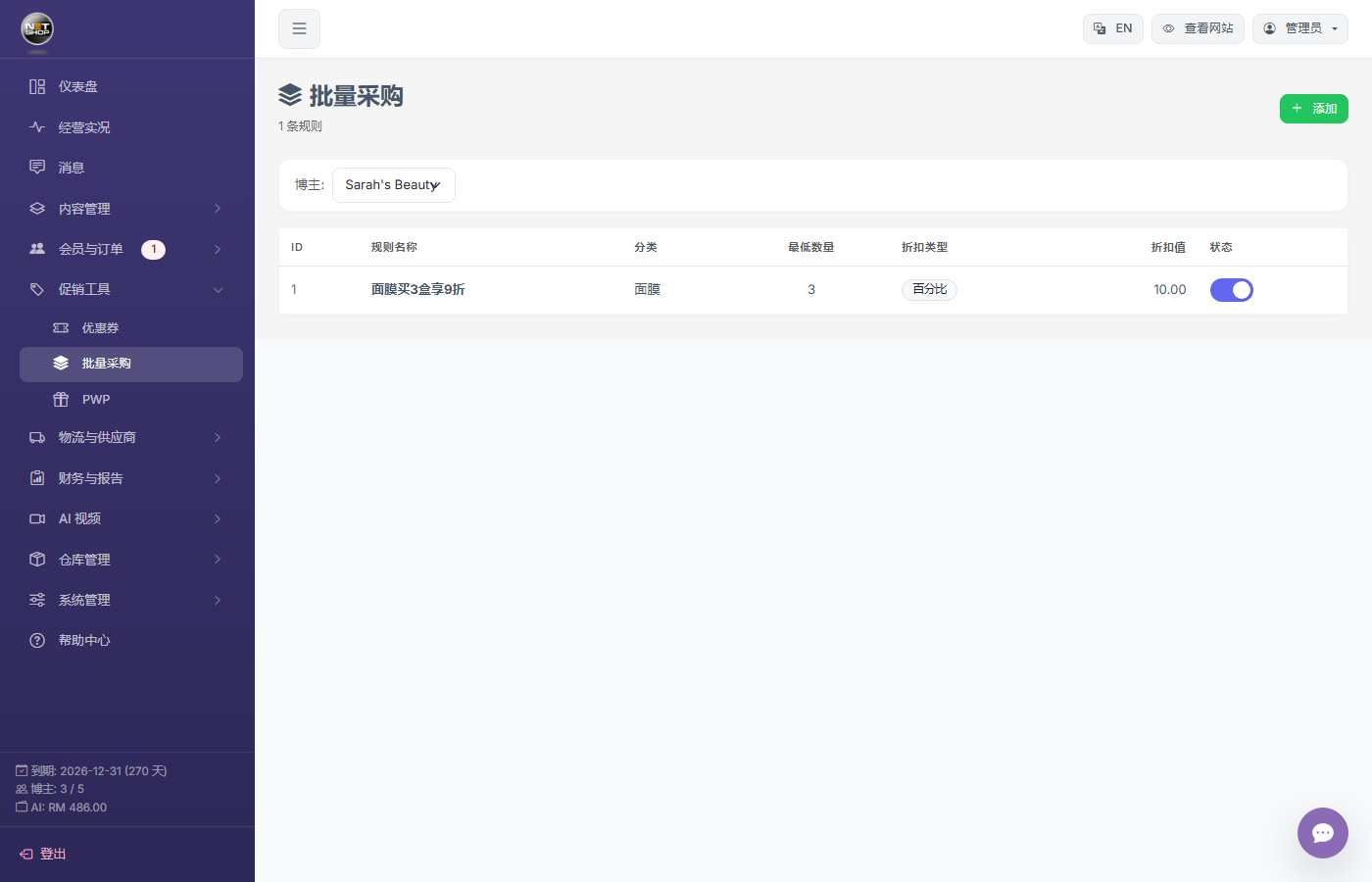
Bulk pricing management page
Example
Category "T-Shirts", min quantity 3, type "Percentage", value 15:
→ Customers buying 3+ T-shirts get 15% off each.