AI Video Generation
The system integrates Kling AI to automatically generate videos from product images.
Open Video Generation
Click "AI Video" → "Generate Video" in the left menu.
Step 1: Choose Product and Images
- Select a product, and the system loads its images automatically
- You can also upload custom images (max 4)
- 3 image sources: product images, banners, custom upload
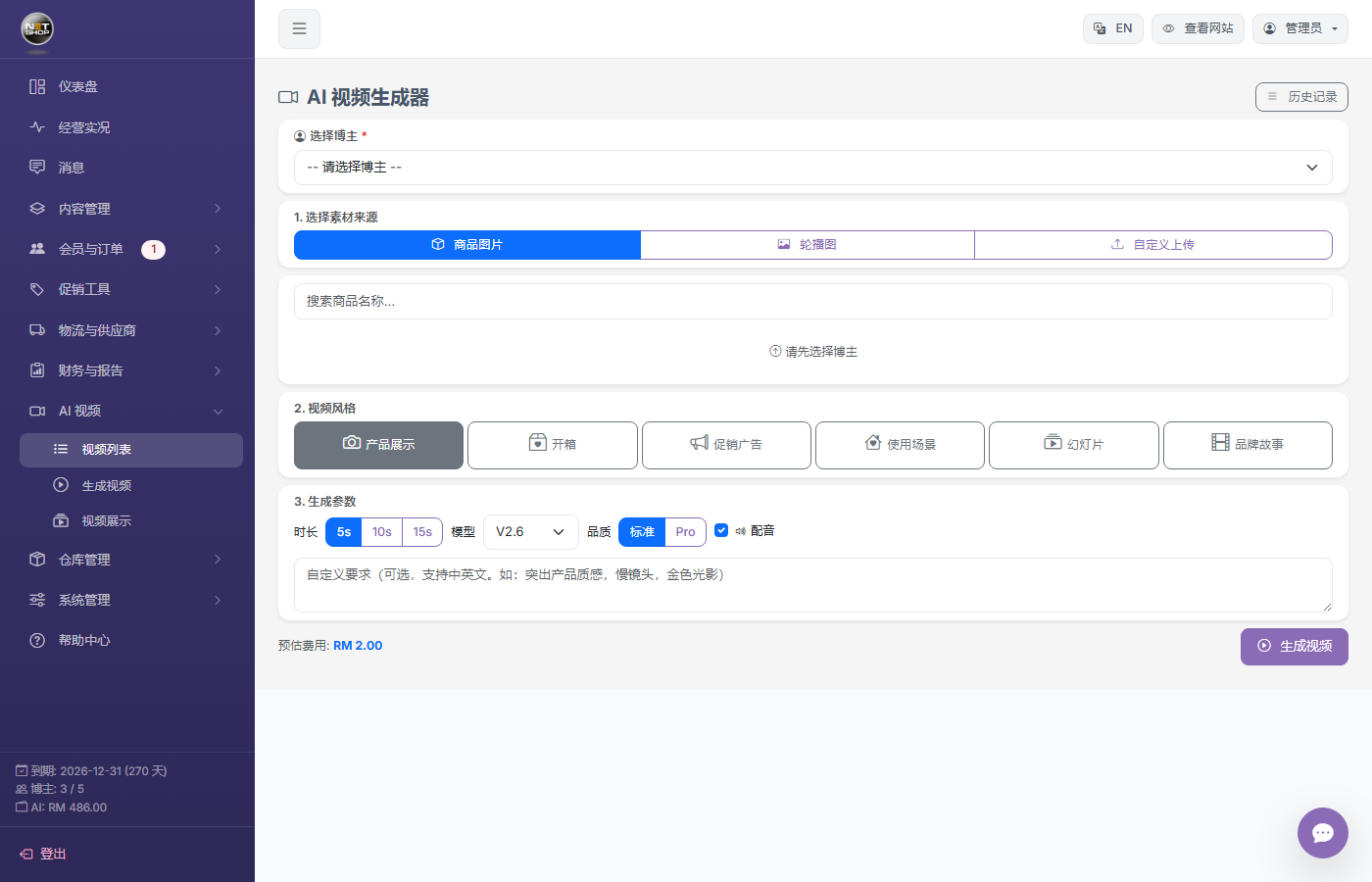
AI video generation page
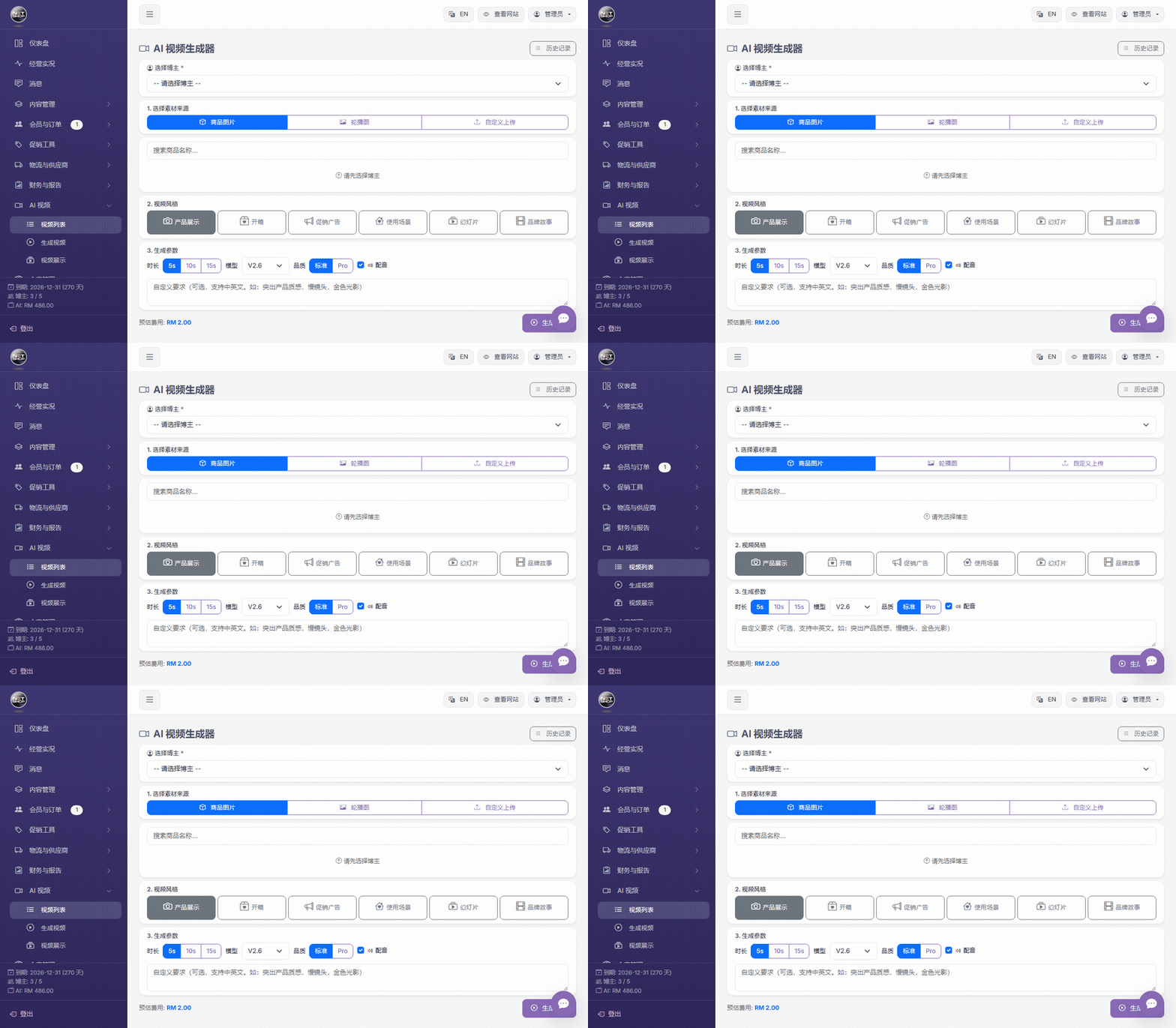
▶ Animation: Browse the video generation page and parameter section
Step 2: Choose Parameters
| Parameter | Options | Description |
|---|---|---|
| Video Style | Showcase / Unbox / Promo / Lifestyle / Slideshow / Story | Affects the style of the generated video |
| Duration | 5 sec / 10 sec | Video length |
| Quality | Standard / Pro | Pro has higher quality but costs more |
| Model | kling-v2-6 (default), etc. | AI model version |
| Audio | On / Off | Whether to generate background audio |
💡 Tip:After selecting a product on the page above, the parameter section (style, duration, quality, etc.) appears below.
Step 3: Generate the Video
- Click the "Generate Video" button
- The system uses Claude AI to generate an English prompt automatically
- Calls the Kling API to start generation
- Wait 1-5 minutes — once done, you can preview and download the video
Cost
- Each generation deducts from the AI wallet
- Failed generations are refunded automatically
- Monthly quota: 30 videos per blogger (configurable)
- Concurrency limit: max 3 tasks per blogger at a time
Embed Videos
Generated videos can be embedded in:
- Product detail page — Appears in the image gallery
- Store homepage — Display section (horizontal scrollable cards)
- Banners — Video banners (auto-muted, looped)